- Patient Rights
- Tips & Guides
How to Request Your Medical Records from Healthcare Providers
Requesting your medical records shouldn't be complicated. Here's a step-by-step guide to getting copies of your health information.

A Step-by-Step Guide to Requesting Your Medical Records
Every patient has the right to their medical records, but the process can feel confusing. This guide walks you through exactly how to request and obtain your health information.
Step 1: Identify What Records You Need
Before making a request, determine what you’re looking for:
- Complete medical record - Everything from a specific provider
- Specific documents - Lab results, imaging, visit notes
- Summary of care - High-level overview of your treatment
- Billing records - Financial and insurance information
Step 2: Contact the Right Department
Most healthcare facilities have a Health Information Management (HIM) or Medical Records department. You can usually:
- Call the main number and ask to be transferred
- Visit the provider’s website for record request forms
- Ask at the front desk during your next visit
- Use the patient portal if available
Step 3: Submit a Written Request
Most providers require written authorization. Your request should include:
- Your full name and date of birth
- Contact information
- Specific records or date range requested
- Format preference (paper, CD, electronic)
- Your signature and date
- Where to send the records
Step 4: Understand the Timeline
Under HIPAA, providers must respond within:
- 30 days for records they maintain on-site
- 60 days if records are stored off-site (with notice)
- Extensions may be granted with explanation
Step 5: Know the Costs
Providers can charge “reasonable” fees for:
- Copying and supplies
- Postage (if mailed)
- Labor for preparing the records
However, you cannot be denied access because of unpaid medical bills, and electronic copies should cost less than paper.
Using Patient Portals and FHIR
Many providers now offer digital access through:
- Patient portals (like MyChart) - Instant access to recent records
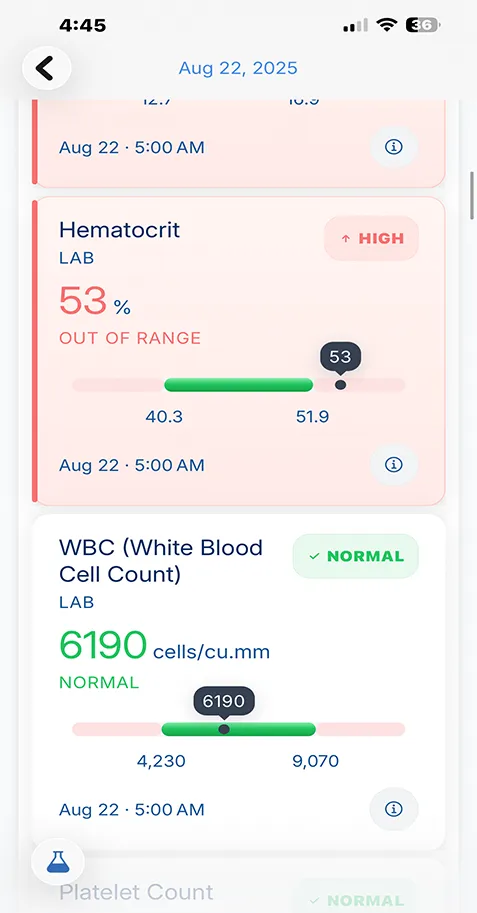
- FHIR/SMART on FHIR - Direct data transfer to apps like VertexMD
VertexMD integrates with major health systems through FHIR, making record retrieval automatic and seamless.
Tips for Success
- Keep copies of all request forms you submit
- Follow up if you don’t hear back within 30 days
- Be specific about what you need to avoid delays
- Request records regularly, not just when there’s a problem
Take control of your health records—all in one secure app
Store, organize, and understand your medical data with VertexMD. Privacy-first design means your health information stays yours.
50K+



Trusted by families
worldwide